Laptop prices have been inching up, and expensive memory is one of the reasons behind it. But with this new generation of AI PCs, brands are also trying to give users more value for the money they spend. HP’s new OmniBook series is one such big refresh. It replaces the older Pavilion, Envy and Spectre families with a new design, updated hardware, AI-focused features and a clearer lineup for different kinds of users.
The idea behind the OmniBook range is simple. HP wants one laptop family that can serve students, everyday users, working professionals and creators, without making the lineup feel confusing. The laptops are slim, fairly lightweight and built with premium metal bodies, so they feel ready for everyday travel, whether that means going from home to office, hostel to classroom, or cafe to meeting room.
HP has also packed in the things people now expect from a modern premium laptop. You get powerful processors, sharp OLED display options, long battery life and smaller GaN fast chargers that are easier to carry around. These may sound like small upgrades on paper, but they make a real difference when you are using the laptop every day.
The bigger change, of course, is AI. The new OmniBook laptops come with a dedicated Neural Processing Unit, or NPU, which allows some AI tasks to run directly on the device instead of depending completely on the cloud. This can help with faster performance, better privacy and improved battery efficiency. In day-to-day use, that means smarter video calls, smoother multitasking and quicker AI-assisted features without the laptop constantly needing to send everything online.
HP has divided the OmniBook lineup into three broad use cases: learn, work and create. Here is how the range breaks down.
Learn: HP OmniBook 3
HP OmniBook 3
The HP OmniBook 3 is the most student-friendly option in the lineup. It is meant for people who need a reliable everyday laptop for classes, assignments, online research, browsing, video calls and content streaming.
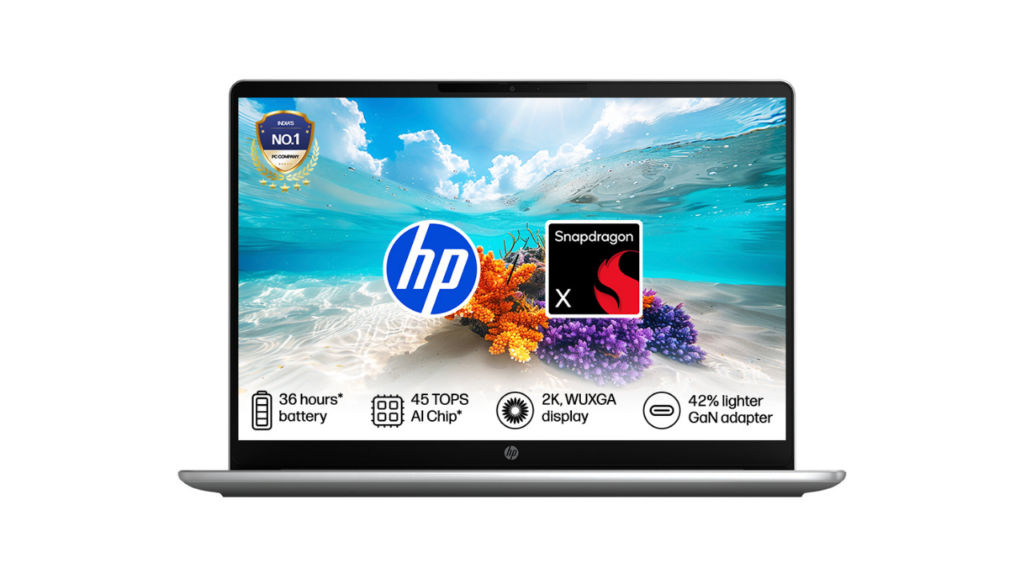
It has a slim design, so carrying it around campus should not feel like a task. The build is also meant to handle regular student life, which usually includes being moved between bags, desks, libraries and classrooms all day.
The OmniBook 3 is available with Intel, AMD and Qualcomm ARM-based options, depending on the model you choose. That gives buyers some flexibility based on what they care about most, whether that is performance, battery life, or AI features.
For a laptop placed at the more accessible end of HP’s new lineup, the OmniBook 3 still gets some premium touches. Select variants offer up to a 16-inch OLED display, while some configurations are claimed to deliver up to 36 hours of battery life on a single charge.
Work: HP OmniBook 5 and HP OmniBook 7
HP OmniBook 5
The HP OmniBook 5 is the safer pick for most everyday users. It is built for working professionals, students who need more than a basic laptop, and families looking for one dependable machine for multiple use cases.
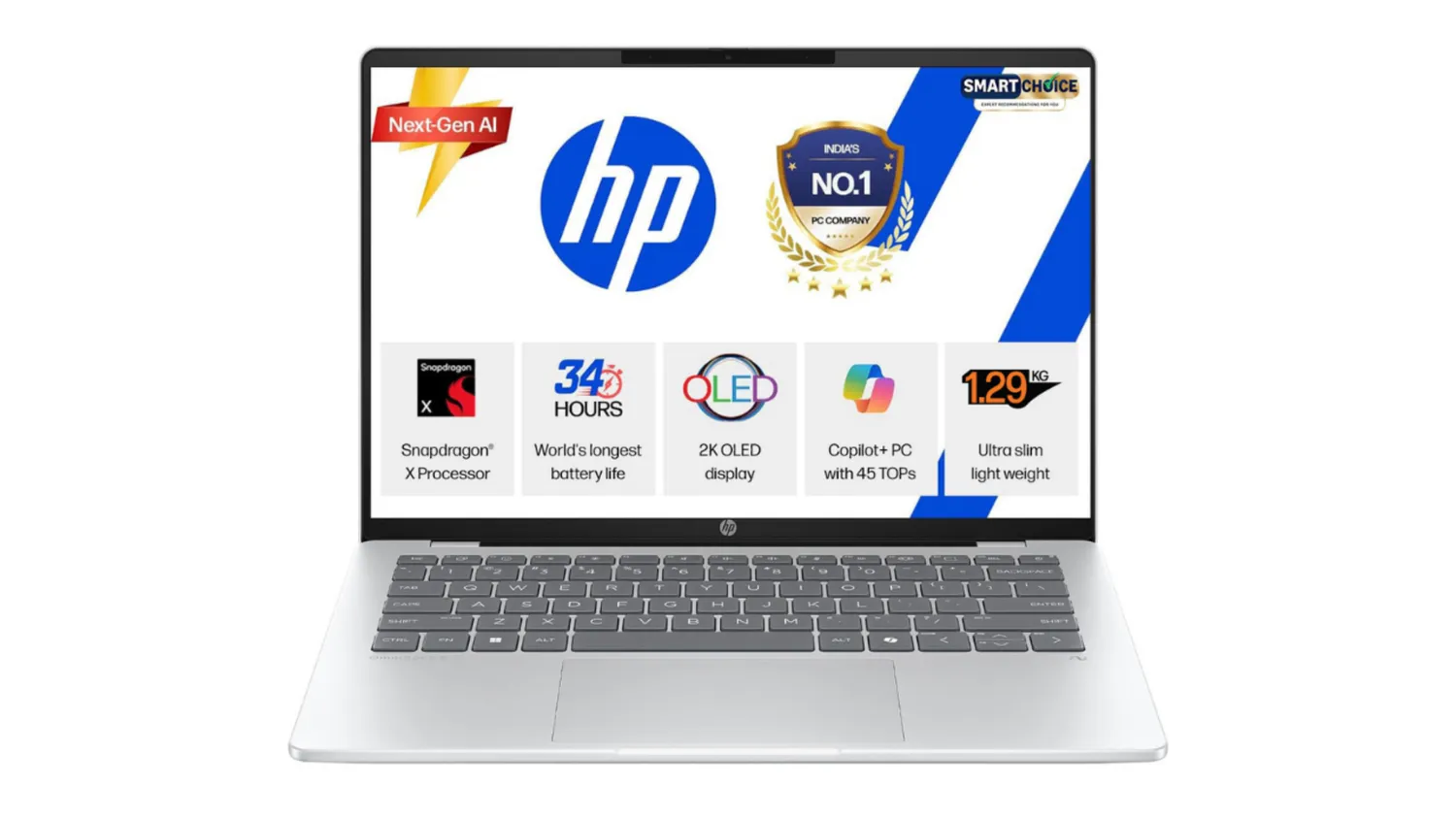
The focus here is balance. The OmniBook 5 is meant to handle office work, online meetings, web browsing, streaming, multitasking and general productivity without feeling too heavy or complicated.
Battery life is one of the main highlights. HP claims the OmniBook 5 can deliver around 34 hours of local video playback on a single charge. It also ships with a 65W USB-C GaN charger that is smaller and lighter than a traditional charger. HP says it can take the battery back to 50 percent in around 30 minutes.
The laptop comes in 14-inch and 16-inch options, with 2K OLED display variants available. There is also a Flip 2-in-1 version for users who want a more flexible form factor. With newer Intel Panther Lake-based CPUs, up to 45 TOPS of NPU performance, Wi-Fi 7 and Thunderbolt 4, the OmniBook 5 is clearly designed to stay relevant for the next few years.
HP OmniBook 7
The OmniBook 7 is for users who want more power but still need a portable laptop. This is where the lineup starts getting more serious in terms of performance.
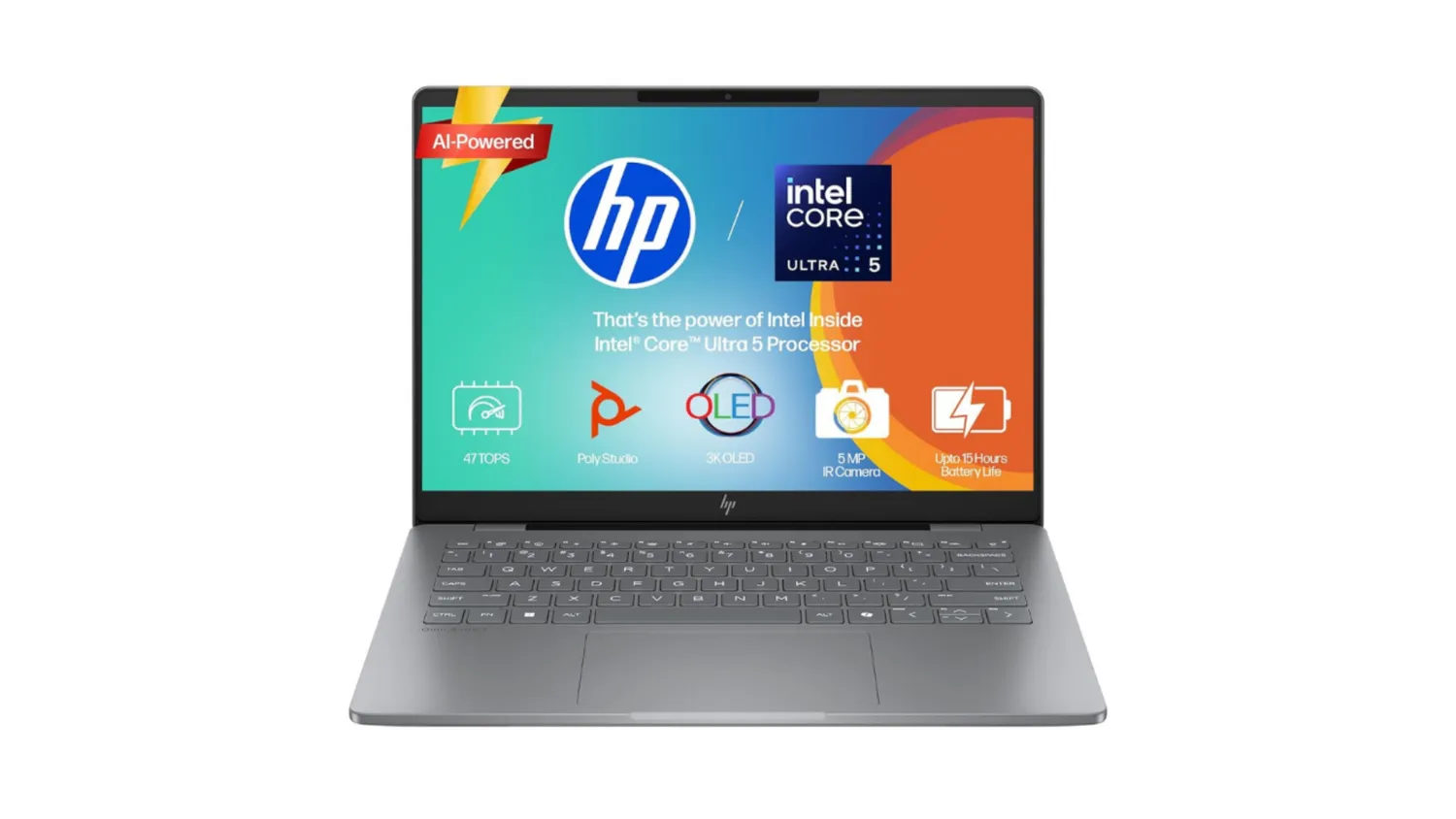
It comes with Intel Core Ultra processors and an NPU that can deliver up to 48 TOPS. You also get OLED display options with up to 3K resolution and a 48Hz to 120Hz variable refresh rate. Intel Arc Graphics come as standard, while select variants can go up to an NVIDIA GeForce RTX 4050 for more demanding tasks.
This makes the OmniBook 7 better suited for users who edit videos, work with design tools, handle heavier multitasking, or need stronger graphics performance. With up to 32GB RAM and dedicated graphics options, it has the hardware to take on more than just regular office work.
The 14-inch version is especially interesting because it keeps the weight under 1.5kg while still offering Intel Core Ultra performance. So, if you want a laptop that is powerful but does not feel bulky, the OmniBook 7 makes a strong case for itself.
Create: HP OmniBook X and HP OmniBook Ultra
HP OmniBook X
The HP OmniBook X feels like the spiritual successor to the Envy series. It is meant for professionals and creators who want a premium laptop that is still easy to carry.
It has a thin and lightweight design, but HP has not treated it like a basic productivity laptop. The OmniBook X is built for people who work from different places and need a machine that can keep up with writing, editing, meetings, presentations and creative work.
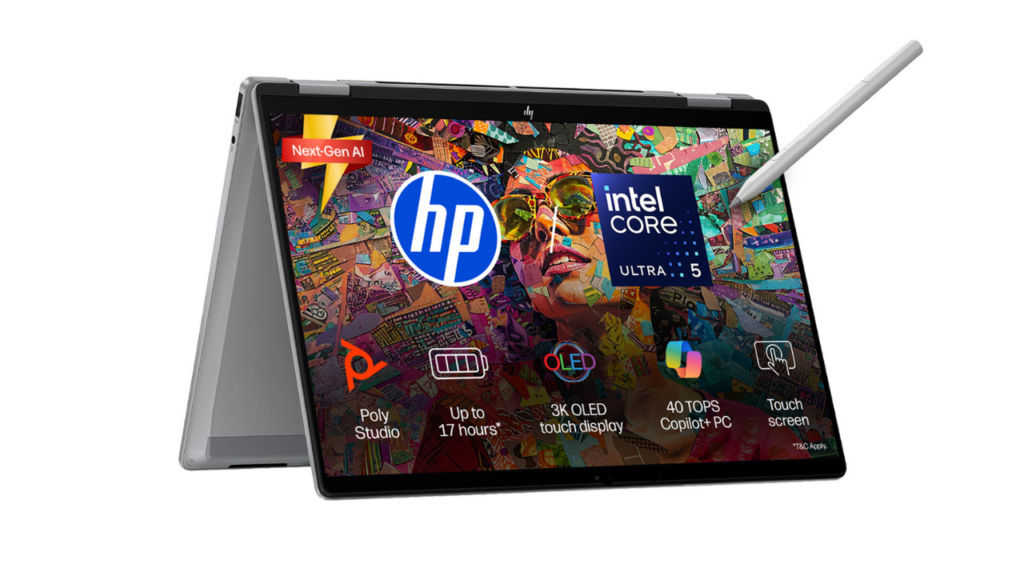
The laptop is powered by the Qualcomm Snapdragon X Elite chip, which includes a 45 TOPS NPU for on-device AI tasks. Display options go up to a 3K OLED screen with a 48Hz to 120Hz variable refresh rate and Corning Gorilla Glass protection.
The OmniBook X Flip variant adds more flexibility with four usage modes: laptop, tablet, tent and reverse. That makes it useful for people who sketch, present, take notes, watch content, or simply want a laptop that can adapt to different situations.
HP OmniBook Ultra
The OmniBook Ultra is the most premium and powerful laptop in the new OmniBook family. It takes over from the Spectre lineup and is built for users who do not want to compromise on design, performance or display quality.
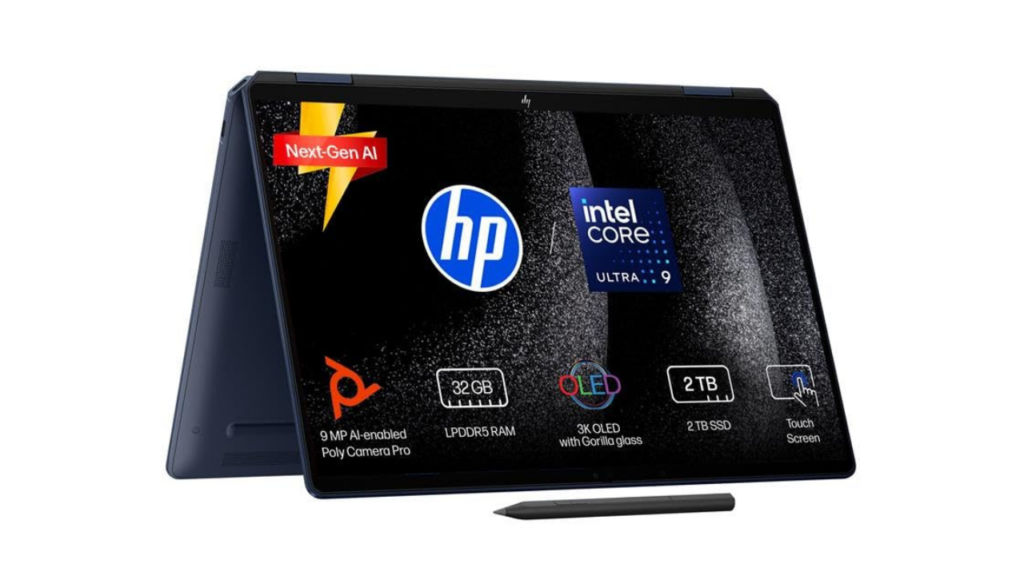
Despite being the flagship model, it is still very slim and light. HP says it measures under 10.7mm in thickness and weighs around 1.3kg. For heavier tasks such as video rendering, the laptop also uses a compact vapour chamber cooling system to help control heat and maintain performance.
The OmniBook Ultra comes with a 14-inch 3K OLED touchscreen, up to 500 nits peak brightness and a 30Hz to 120Hz variable refresh rate. It also has a 70Wh battery and supports 65W fast charging, which should help users who need strong performance on the move.
Depending on the configuration, the OmniBook Ultra can deliver up to 55 TOPS with AMD or up to 85 TOPS with Snapdragon X2 Elite. That gives it enough AI performance for tasks such as real-time video effects, local file summarisation and other on-device AI features that do not always need cloud-based apps.
Which HP OmniBook should you buy?
| Category | Usage | OmniBook to pick |
|---|---|---|
| Learn | Students and entry-level buyers | OmniBook 3 |
| Work | Everyday users | OmniBook 5 |
| Work | Power users | OmniBook 7 |
| Create | Professionals on the move | OmniBook X |
| Create | Flagship buyers | OmniBook Ultra |
The good thing about the OmniBook lineup is that HP has not made it feel like one laptop with different names. Each model has a fairly clear purpose.
The OmniBook 3 is for students and first-time premium laptop buyers. The OmniBook 5 is for people who want one dependable laptop for work, entertainment and daily use. The OmniBook 7 is for users who need more power without giving up portability. The OmniBook X is for creators and professionals who want a premium, flexible machine. The OmniBook Ultra is for buyers who want the best HP has to offer in this new lineup.
AI PCs are still a new category for many buyers, and not everyone may need every AI feature right away. But with NPUs becoming more common and more apps starting to use on-device AI, buying a laptop with dedicated AI hardware does make sense if you plan to keep it for the next few years.
For anyone planning to buy a new laptop in 2026 and beyond, the HP OmniBook series is definitely worth shortlisting.